30%
Of administrative work involves manually transferring data between systems that do not communicate with one another.
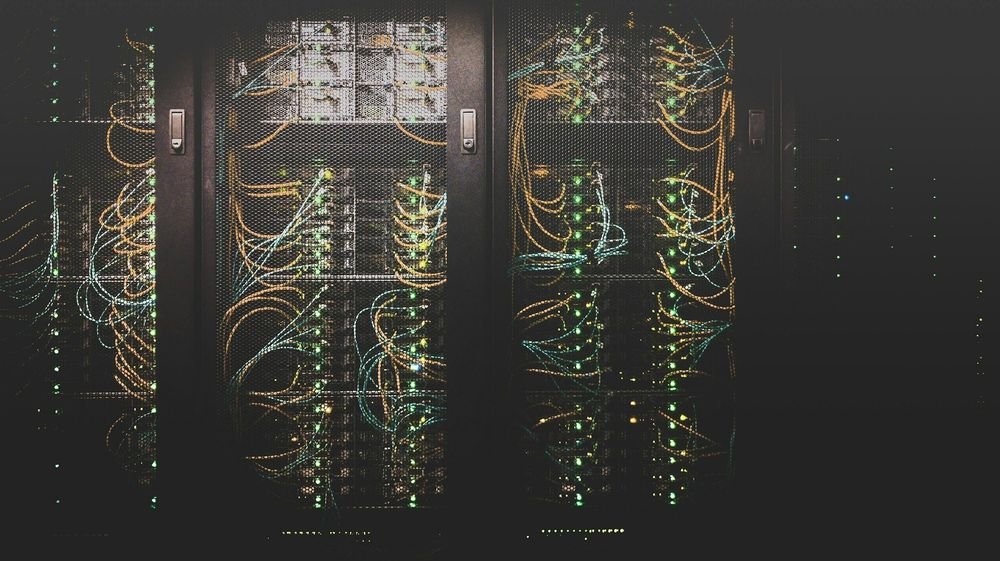
Enter data once. Keep all your systems synchronised.
The problem is usually that each system handles only part of the process. An order starts in the CRM, is re-entered in the ERP and is then copied into production, warehouse or billing systems. Every manual transfer adds time, dependencies and scope for error.
When this happens every day, operations become fragile. Order data differs between tools, statuses do not match across departments, synchronisation delays arise and people spend hours checking that the right information is in the right place. In many companies, a significant share of administrative work still consists of moving data between systems without adding real value.
Akaen connects your existing systems without replacing them. We design integrations so data is created once, moves automatically between ERP, CRM, MES, ecommerce, EDI or external tools, is validated at every step and leaves a trace when something fails. The team stops bridging applications and only intervenes when a genuine exception needs resolving.
When email, CRM, ERP, the factory floor and billing do not share information, a person keeps the workflow moving. They read the email, copy the data, type it again, validate it and replicate it in each system so the operation can progress.
Friction rarely comes from one large, visible failure. It comes from dozens of small manual tasks that together introduce delays, dependencies and the risk of teams working with different versions of the same order.
Each human node represents the invisible work that keeps operations running: copying, transferring, replicating and checking data between systems that should communicate automatically.
Until data flows automatically, the company relies on memory, checks and duplicated tasks. Integration saves more than clicks: it keeps sales, operations, production and administration working with consistent information and process statuses.
Most of the delay comes from reading, validating and re-entering the order at every step.
If the person who knows the workflow is unavailable, information gets stuck between systems and the process stalls.
An incorrectly transferred reference, date or quantity spreads through the rest of the workflow and ends up affecting production, dispatch or billing.
When two critical platforms do not share information effectively, the cost goes beyond technology: delays, manual checks, repetitive reconciliations and senior teams spending time coordinating data between applications that should be connected.

APIs where the architecture allows them, RPA where no native integration exists. The goal: continuous 24/7 operations without manual handoffs.
An Akaen project connecting a core banking system to an external management platform to eliminate manual tasks in critical mortgage processes.
Operations included preparing payment instruments, issuing certificates, updating systems and reconciling records. We designed a hybrid RPA + API layer to let information flow continuously, with traceability and less human intervention, freeing the team from acting as a bridge between applications.
Integrating systems does not always mean replacing platforms. Often it means connecting what already exists, automating critical handoffs and freeing teams from constant manual coordination.
You may also be interested in
Decide what to automate, in what order and with what return. Start free with a first look in 72 hours.
What an industrial company could automate, department by department. A sample first look.
Orders received by email, PDF or portal and entered automatically into the ERP. Your team reviews exceptions.
We review how your operations work today, where the manual workload is concentrated, which systems are involved and what makes most sense to automate first.
We define the workflows, integrations, rules and scope, then validate them with you before building. This gives the project a clear direction, realistic timelines and fewer surprises.
We develop, test with real data and launch the solution while protecting day-to-day operations. We train the team so everyday use feels natural from day one.
We keep making sure everything works: monitoring, providing support, resolving issues and suggesting improvements based on actual use so the process continues to evolve.
No obligation. A short conversation to understand your situation and see where we can help.
We review your process and the systems involved to define a realistic starting point, with no obligation and a focus on your business.
Cookies
We save your preferences and use optional analytics and advertising cookies if you accept them. You can accept, reject or configure each category. Google may receive cookieless measurements even if you reject optional cookies. Read our Cookie policy.